Internship 2020
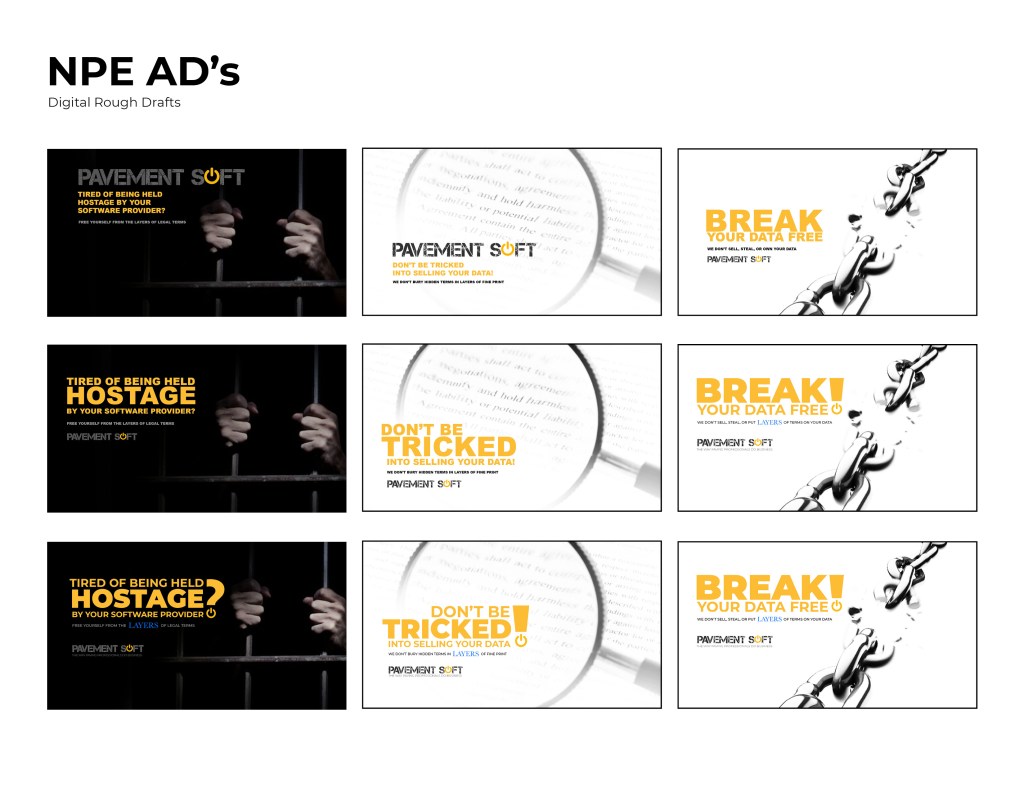
NPE (National Pavement Expo) Screen Ad’s
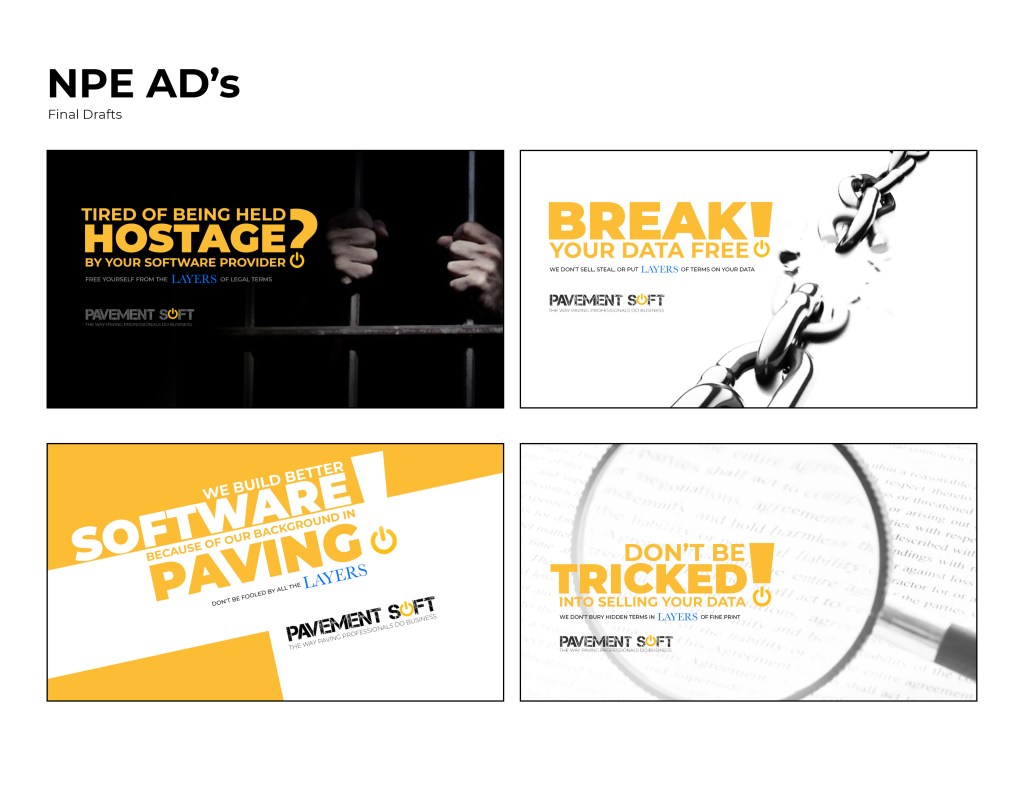
I was asked to create some advertisement for a screen display in a booth at NPE. These ad’s ran on a loop in between informational videos of the software. The goal of these ad’s were to make the potential client aware that one of the main policies of Pavements Soft is that we don’t own or sell any of the data they put into our software. I had two days to finish all four compositions.
Below are some of the digital rough drafts. I had multiple extremely rough sketches, but these were the ones that the owner of the company wanted to see
Final drafts that were displayed at NPE
Animated Logo & Website
I was asked to start working on a landing page for the software. As part of the website, we wanted to include the logo opening up. The logo was to be animated, and the goal was to show the tech side of the pavement industry. The power logo rolls onto screen like a paving machine. The tic on the power logo then turns it on like a button. This animation is displayed at the top of the landing page. I ran into some trouble with this initially. I had to make it loop so that the video wouldn’t just end and start over in a weird spot. So I had it roll back of screen and the tag lines replace the logo.
Another issue that I ran into was the compatibility of the animation for phones and tablets. The aspect ratio was too wide so it would not fit onto a phone screen in the website. This version of the animated logo was a better aspect ratio for phones. I also sped up the loop a little bit so it plays through the animation faster.
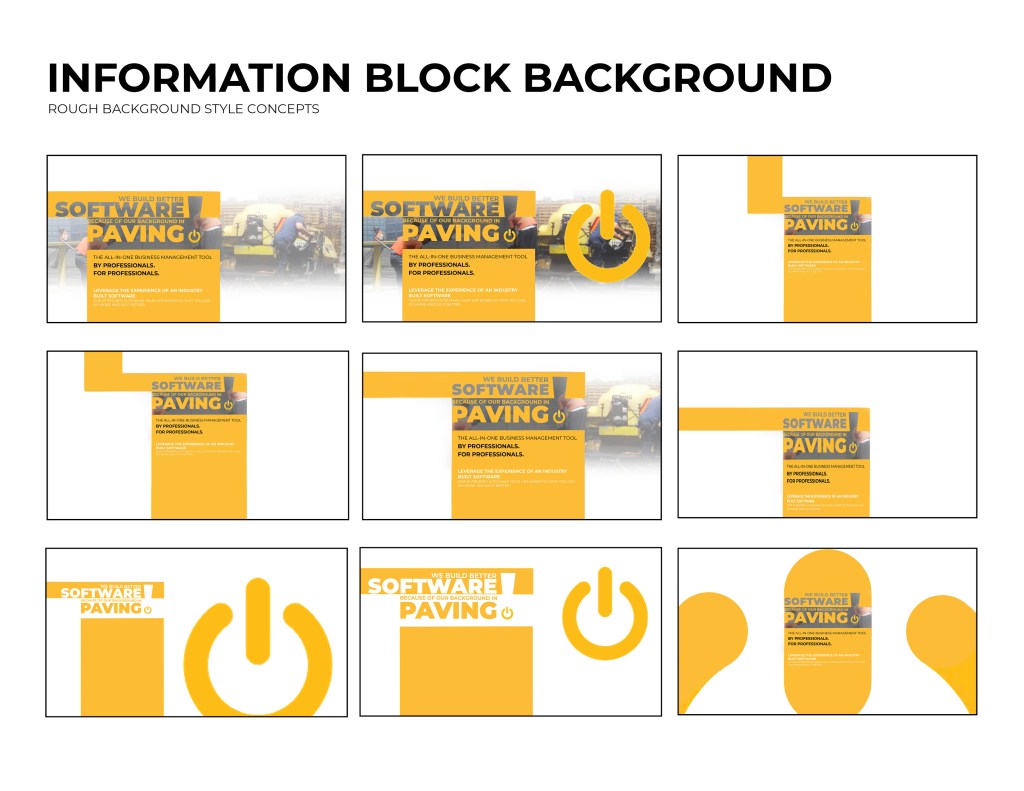
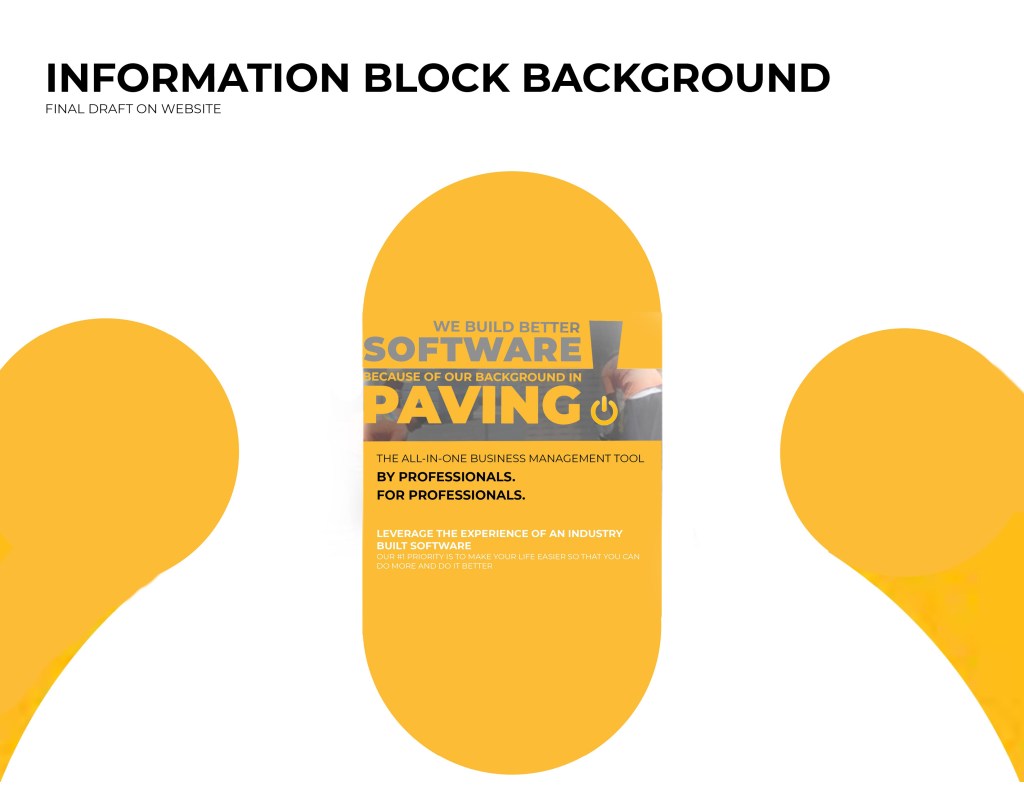
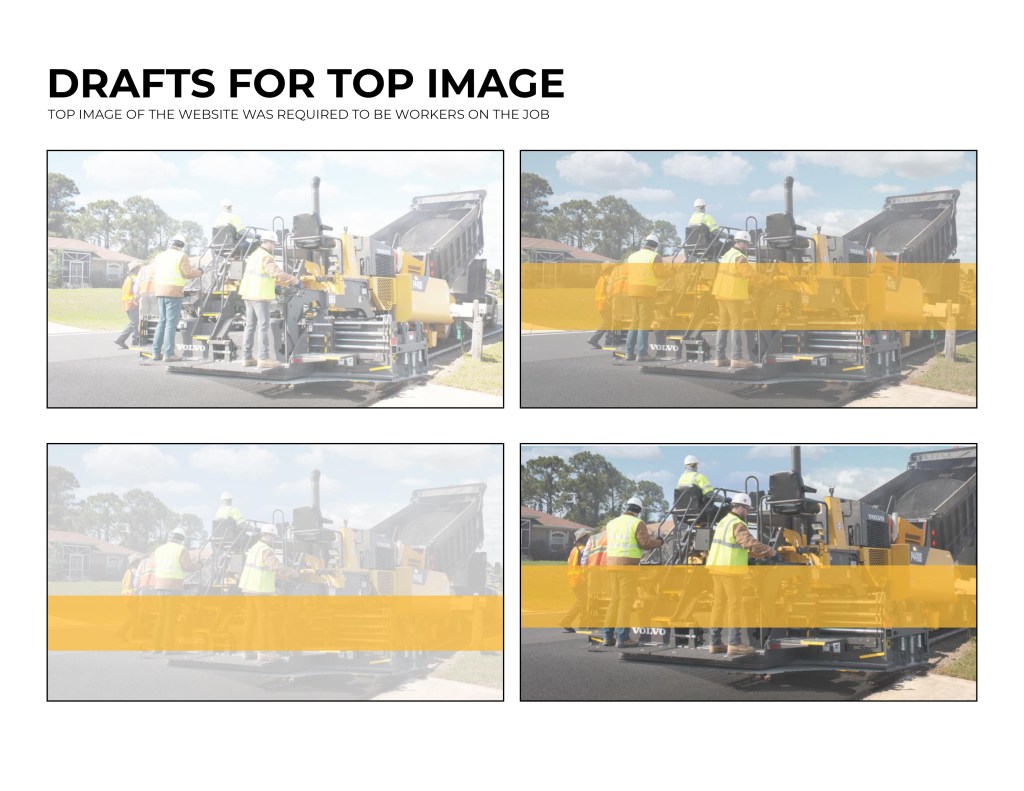
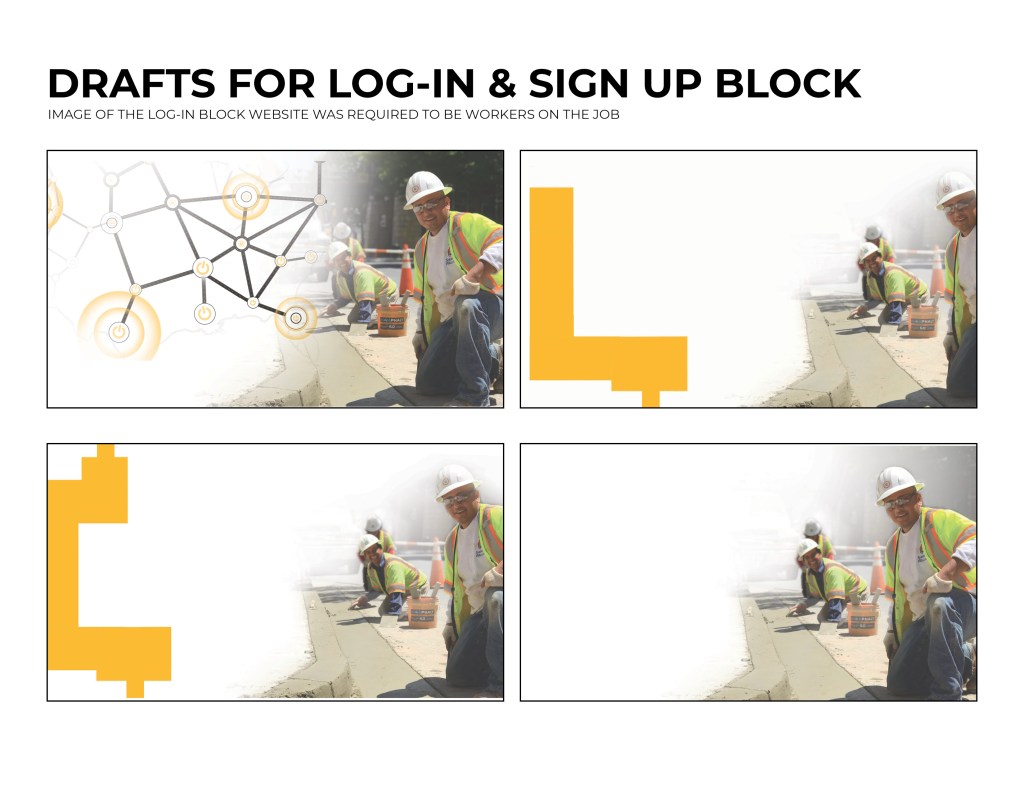
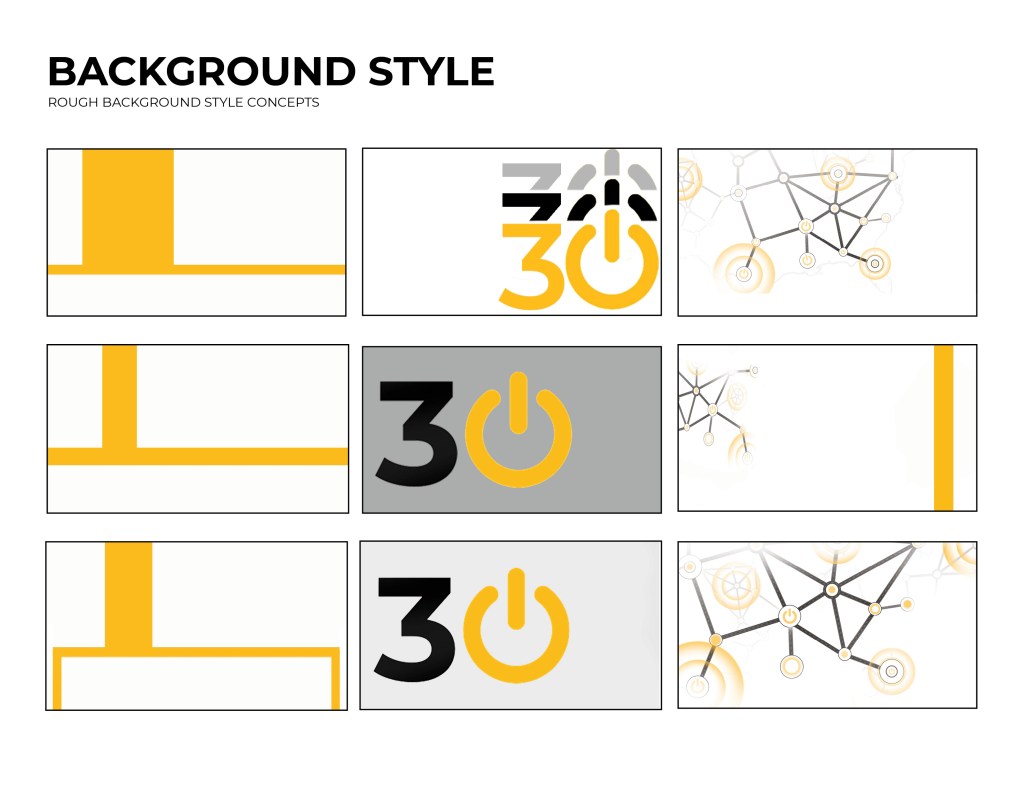
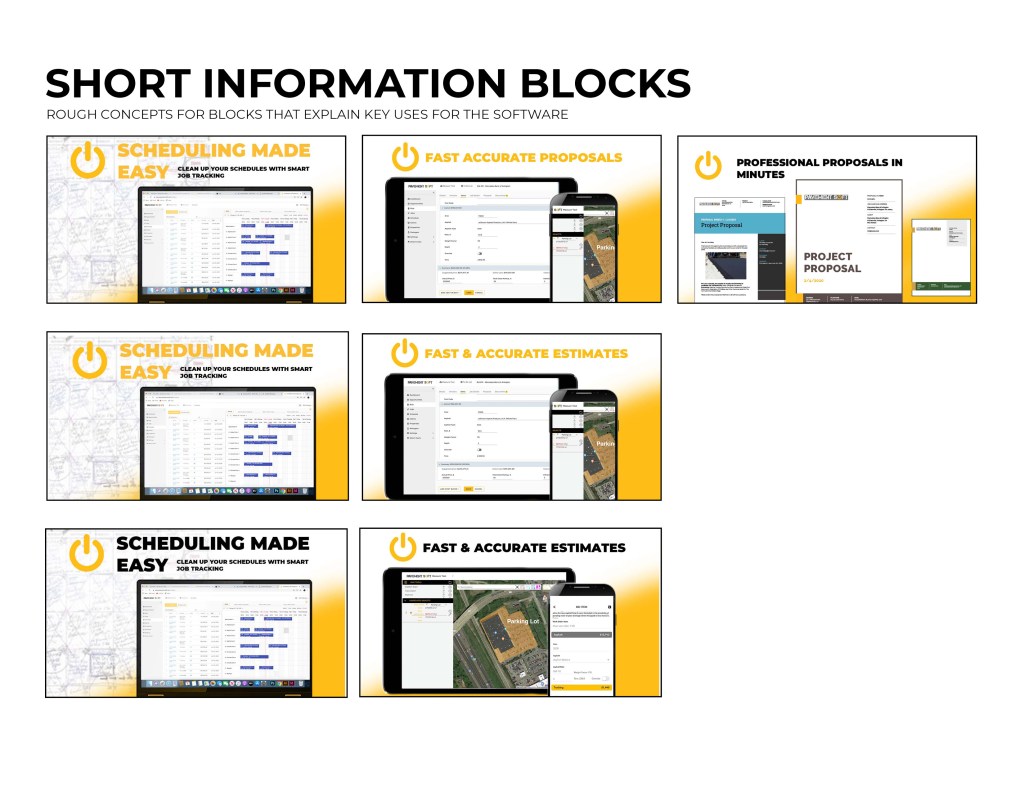
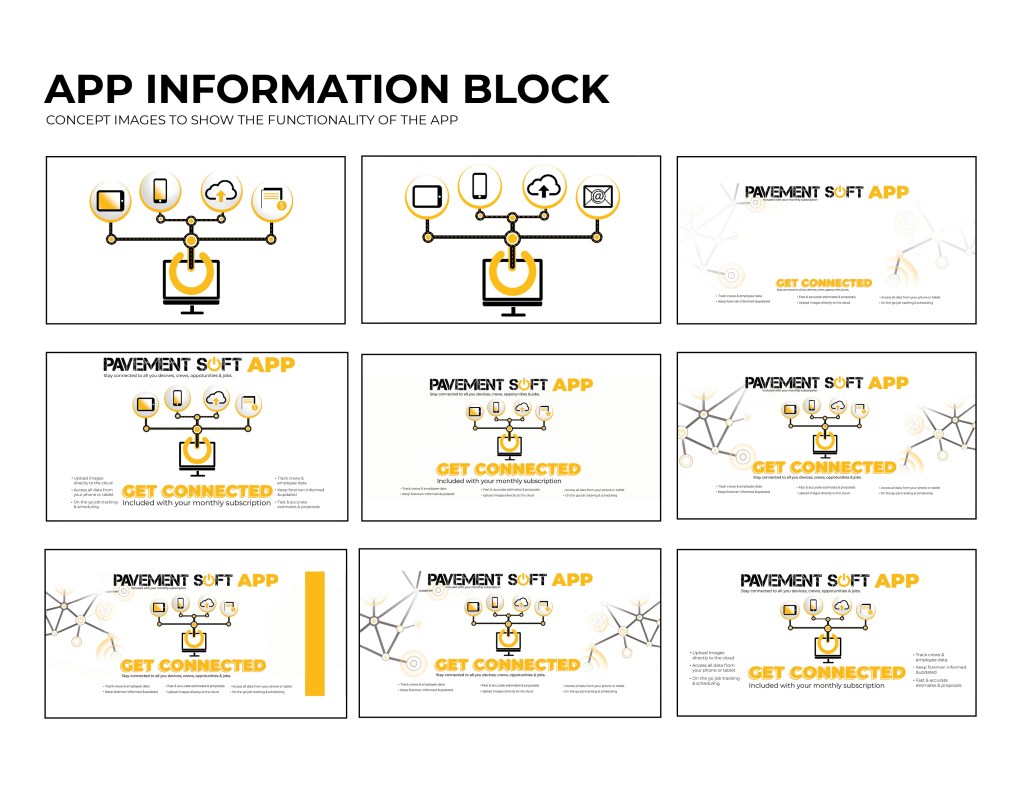
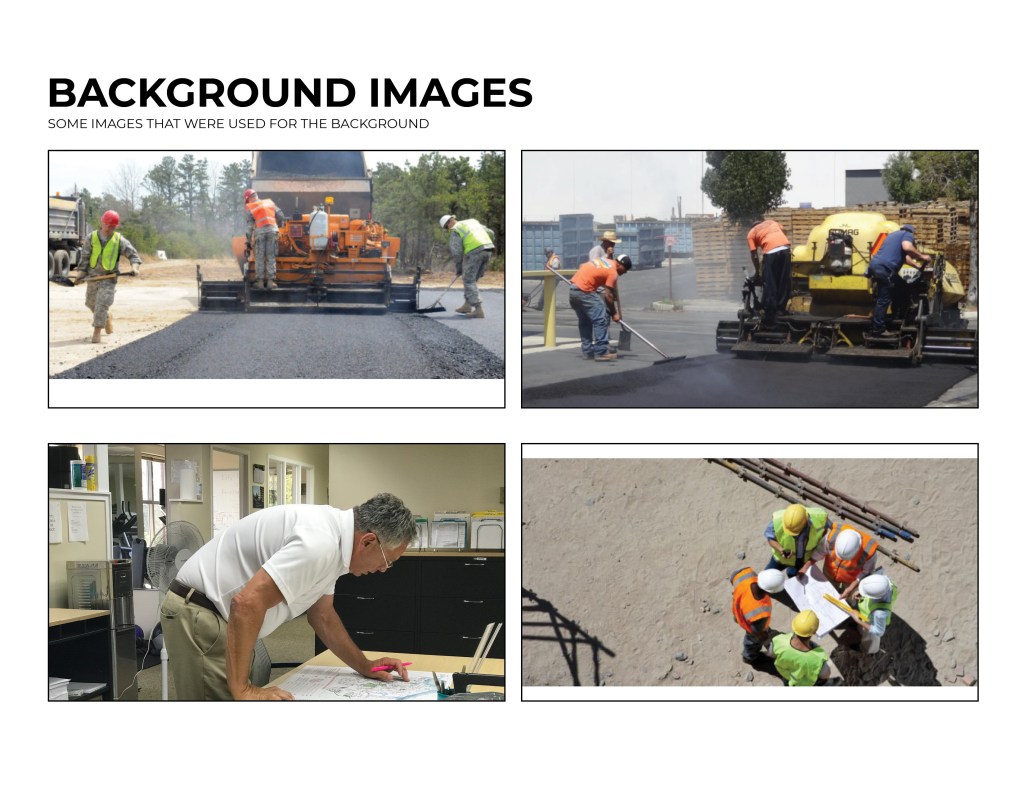
Below are some rough progress and concept work that I have been doing for the landing page of the website. As of right now the page is not live. Hopefully within the next couple of weeks I will be able to include some of the images from the actual website.


Simple Proposal Templates
The current simple proposal templates on Pavement Soft were a little difficult to read and not organized very neatly. I was asked to re-design the layout for the templates that will be implemented into the software
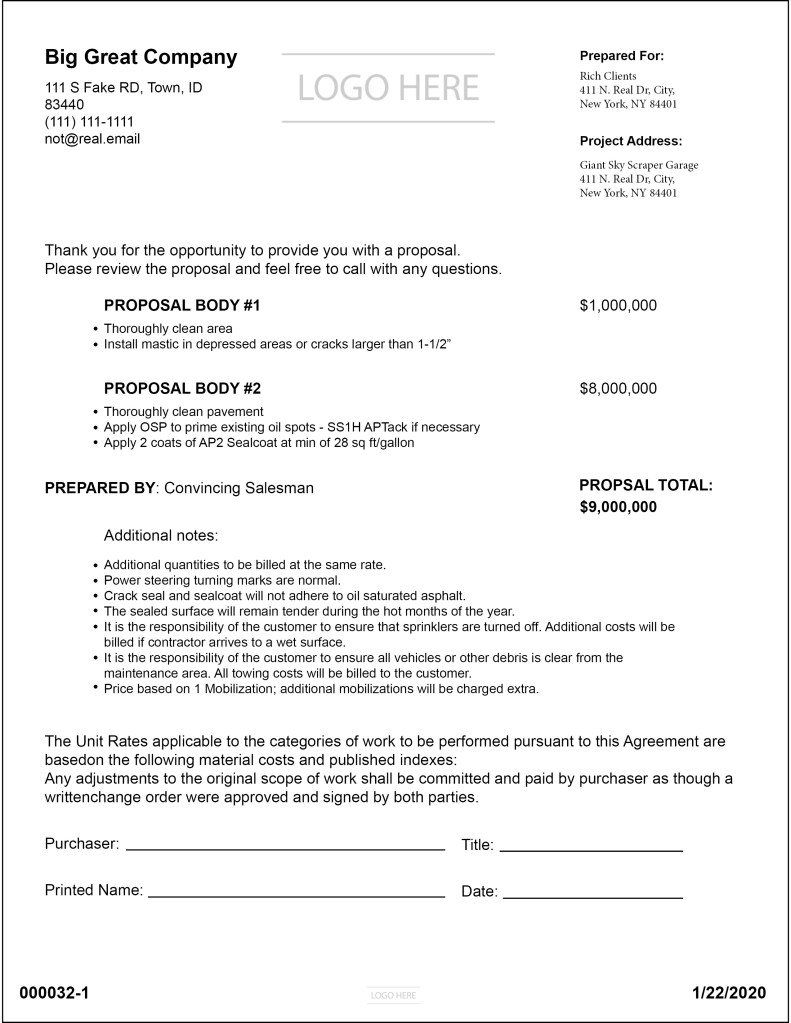
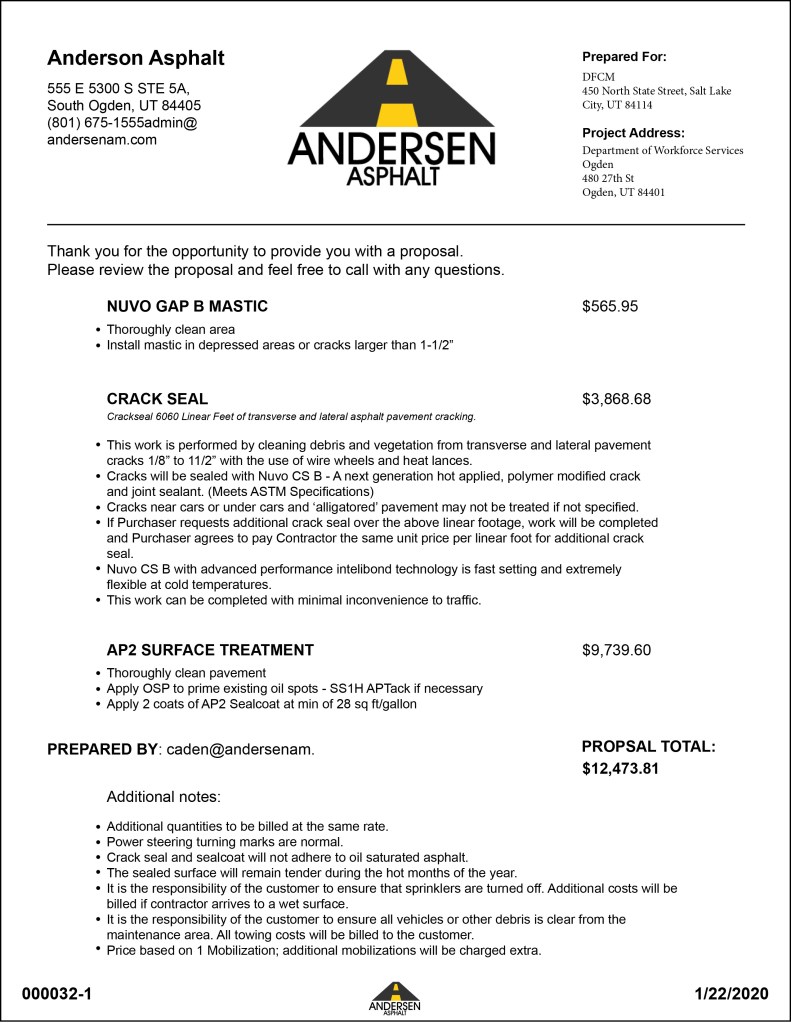
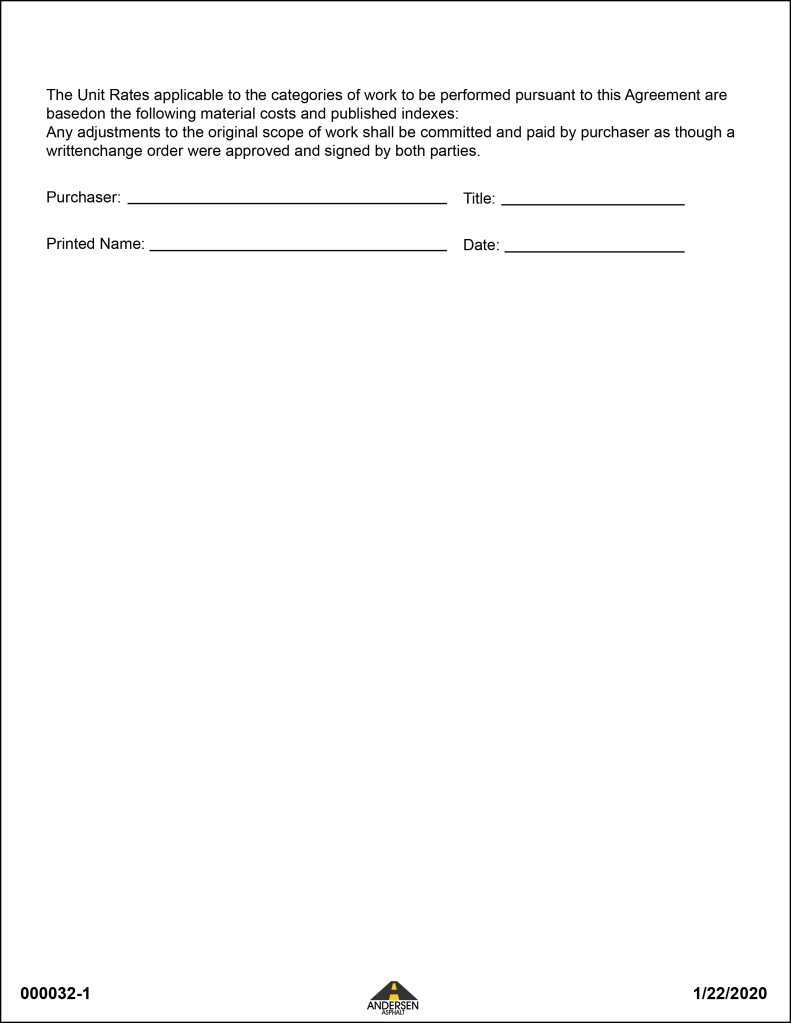
Here is an example of how the proposal would look when a company has their info. put into the template. And how having more info would affect it running onto another page.
Proposal Cover Page Templates
Many companies want custom proposals made. The cover page is what is going to help the company stand out from it’s competitors and help them to win bids and create jobs more consistently. I was given the job to make a couple of rough proposal templates for some companies.
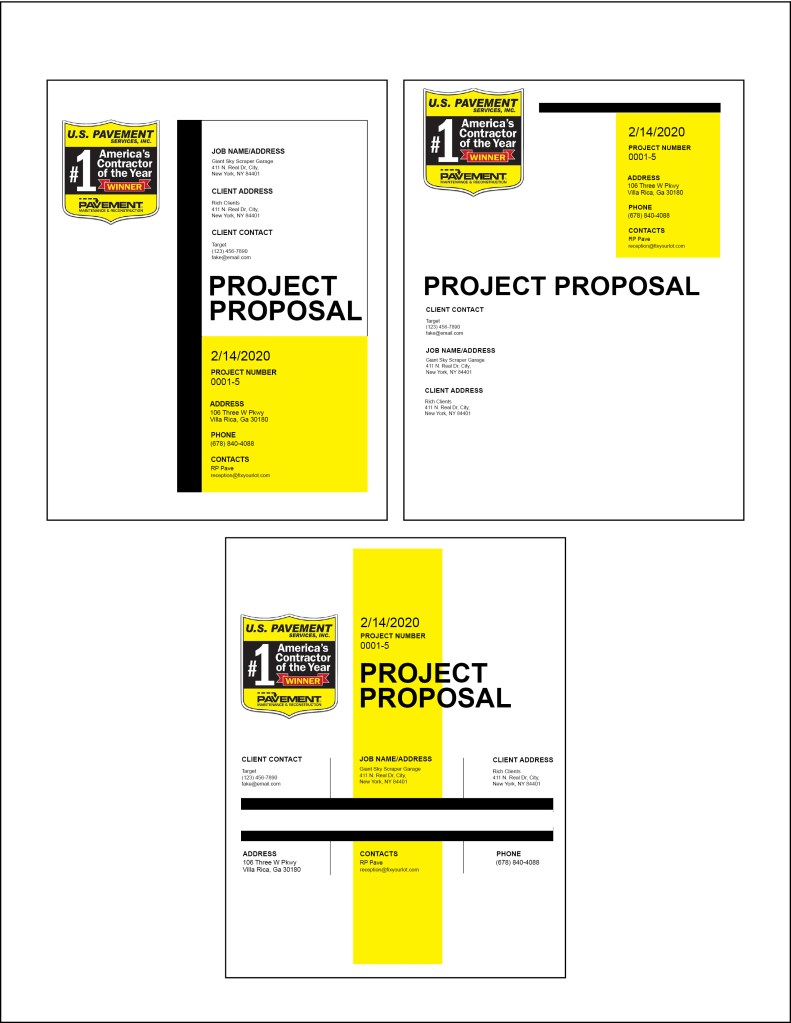
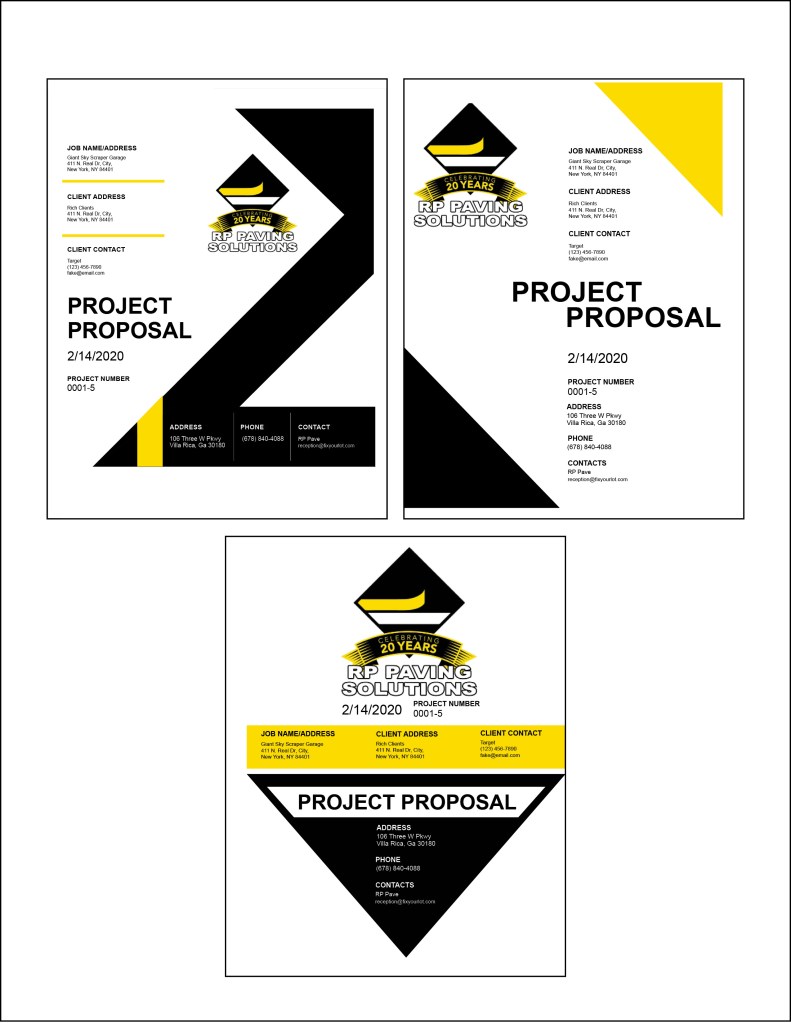
RP Paving solutions really liked the second cover page. They asked me to create the rest of their proposal that they could use for their template.
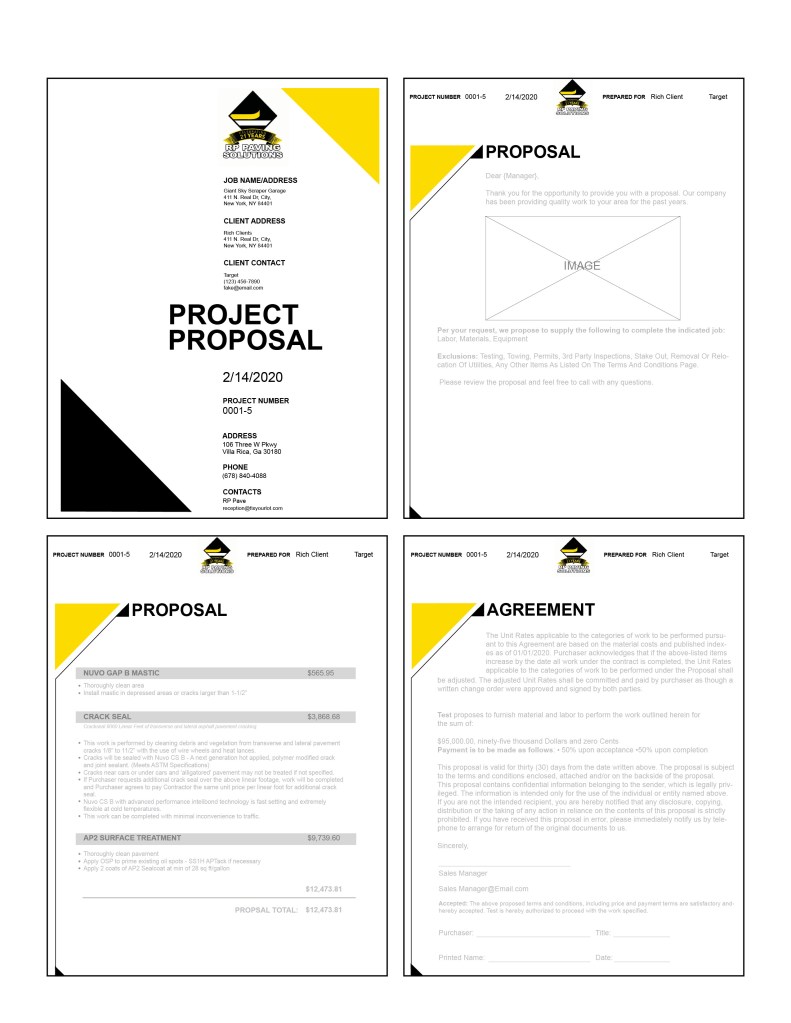
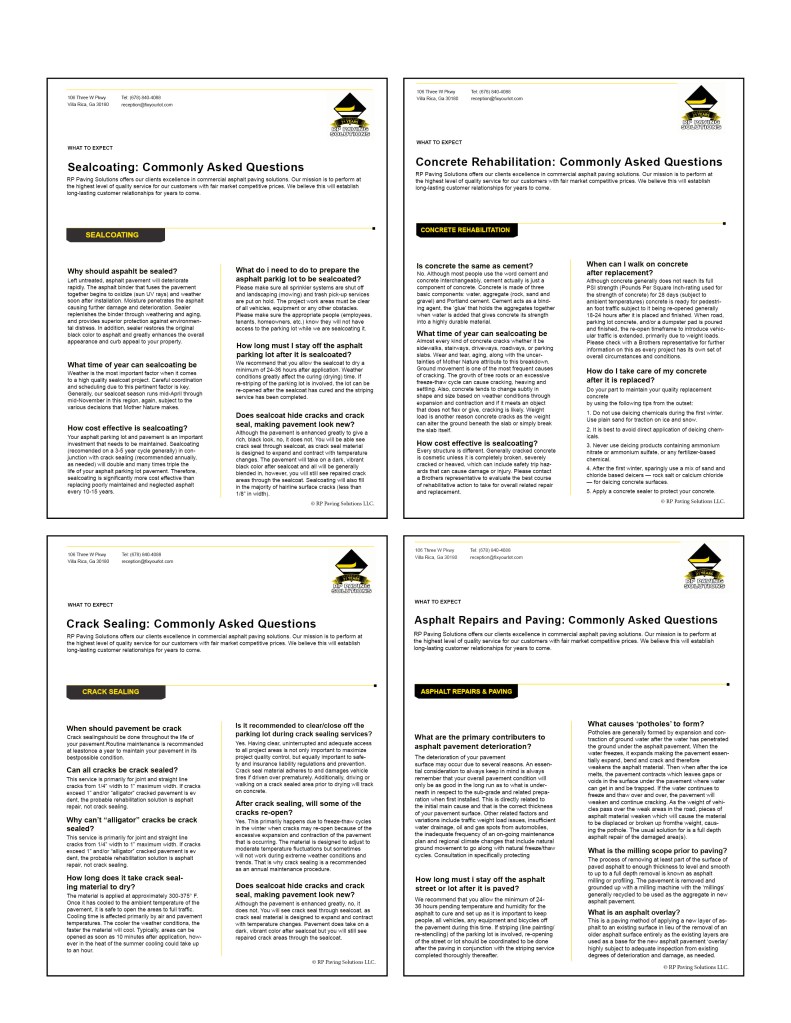
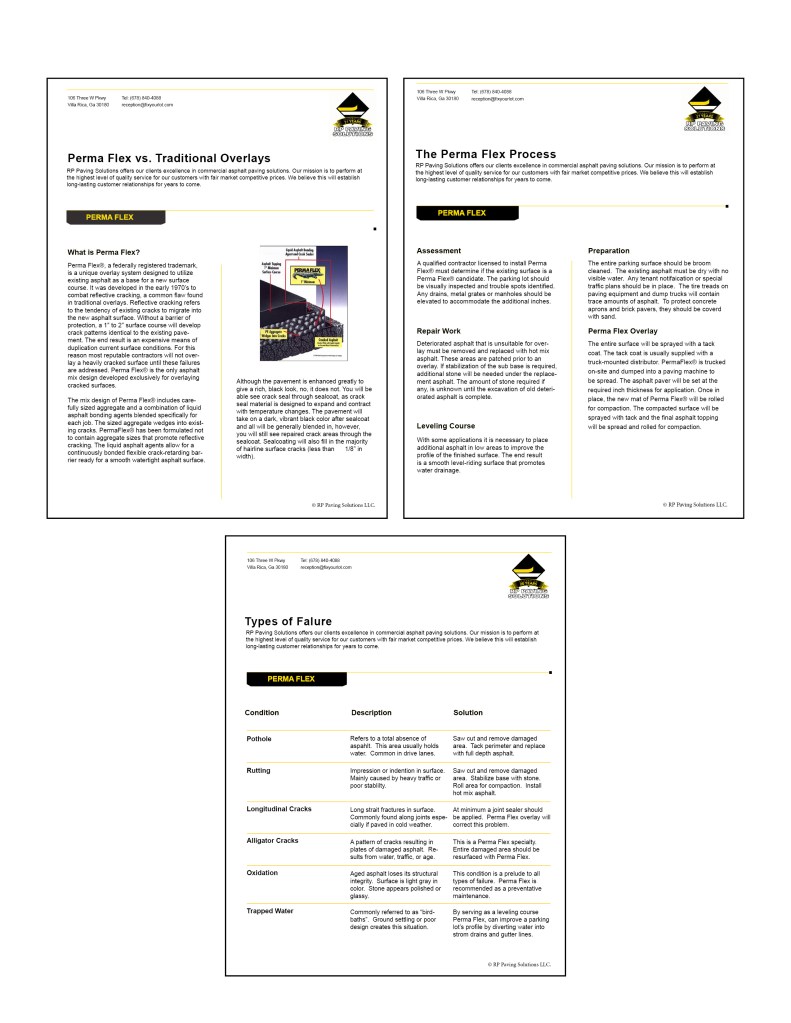
RP Paving solutions had a couple other layouts they asked us to make for them
1: “What to expect” document. This is a document that companies are starting to do more often, explaining to their clients how the process is going to go once they start a job.
2: “Perma Flex” document explaining how the product works and the benefits over crack seal.
3: Re-make their logo to say 21 years instead of 20 years. I also had to re-make their logo as a vector .png image because the only one they had available was a very small .jpg file.
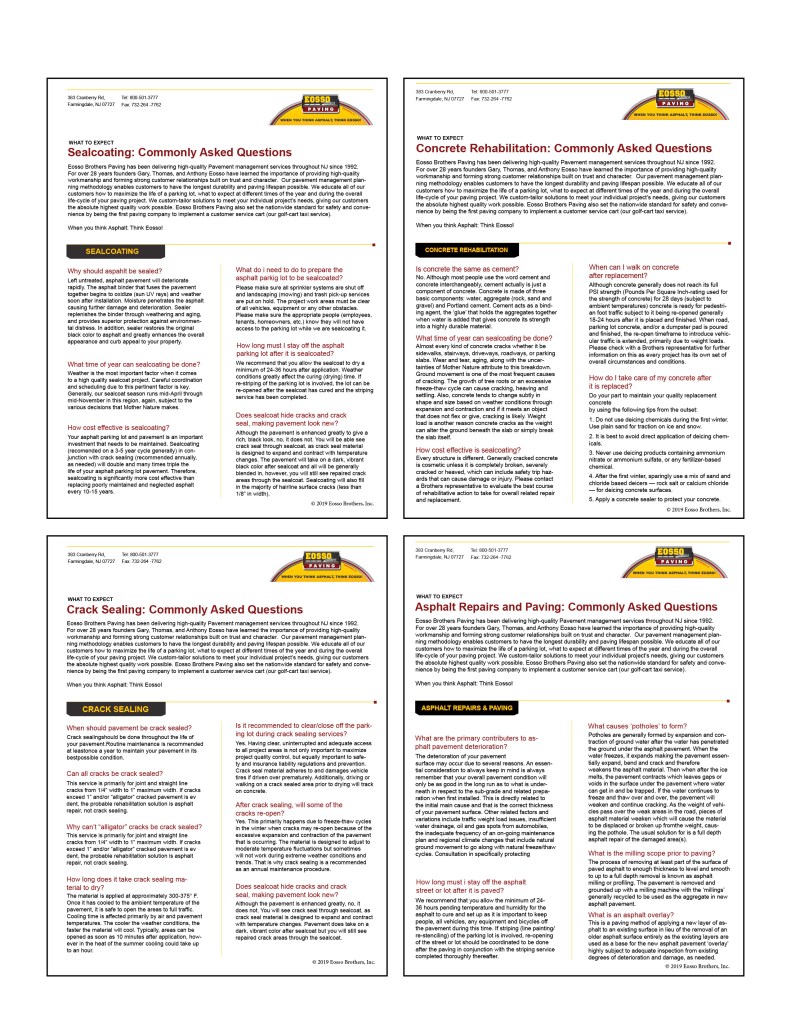
Here was one other company that I made a “what to expect” document for.
Easter Ad for Brothers Paving & Concrete
Brothers Paving has a monthly ad for a magazine in their industry. Because they are a Christian based company with many of their employees being LDS, they used their ad spot to remember the Savior this past Christmas. They received very positive feedback and so they asked me to do something similar for their Easter ad.
These were a couple of the rough drafts I sent to the Owner.
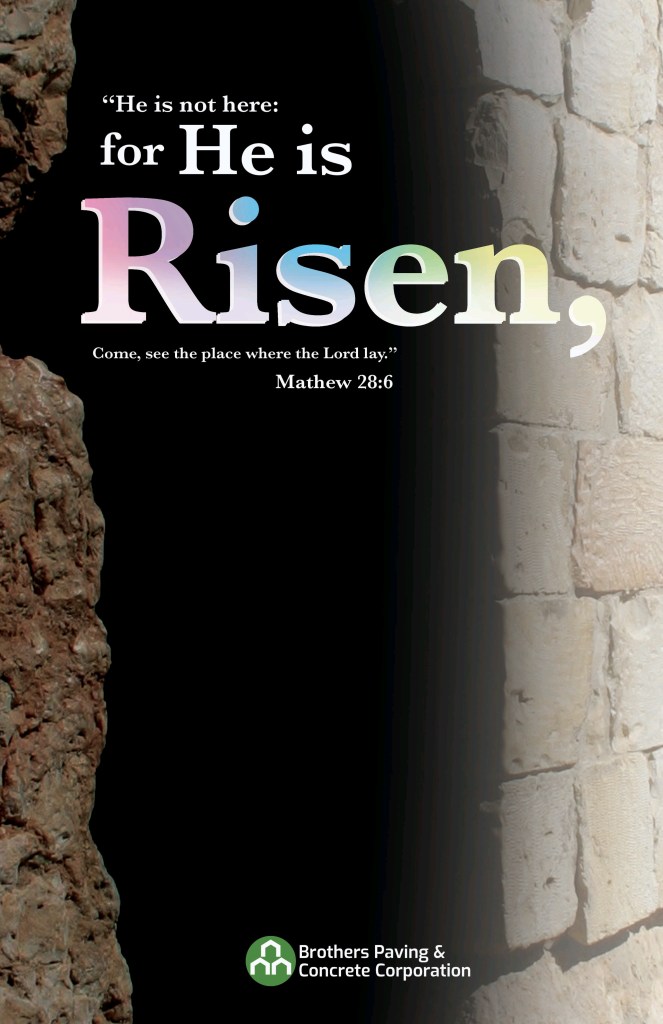
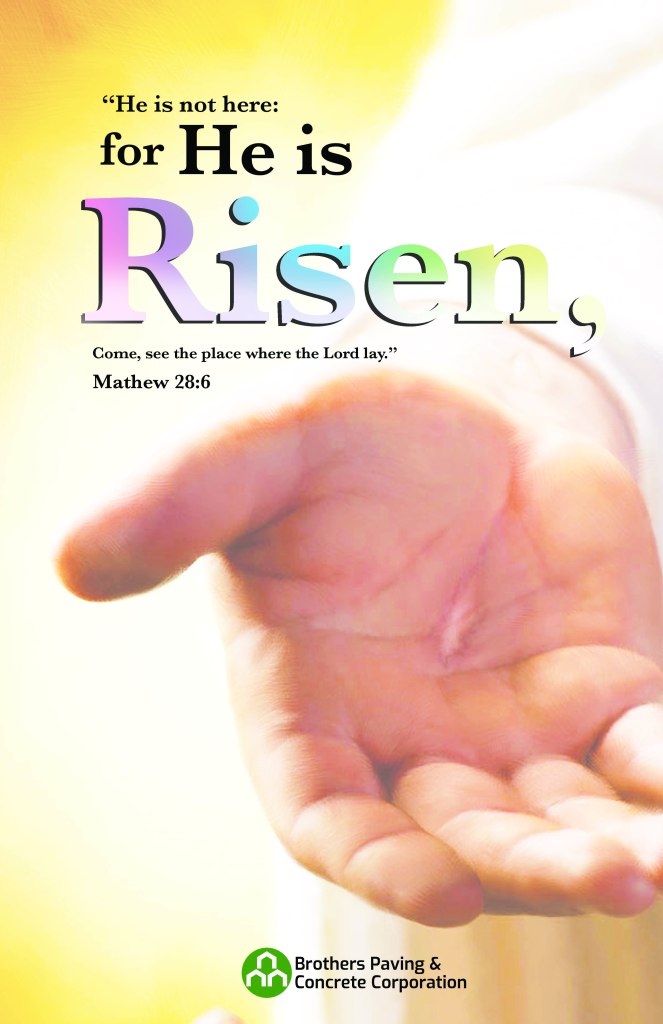
They liked the second one, but wanted to change they type, get rid of the Easter colors on the font, and whitewash the image a little bit. This is the Composition that will be published in their magazine ad spot.

Map Tool UI
The current map tool for Pavement Soft is pretty outdated. The icons are confusing, and they don’t really flow with the brand. We are also working with the software developers to create some better logic, so that it flows better for the users.
Here is the original UI for the map tool.
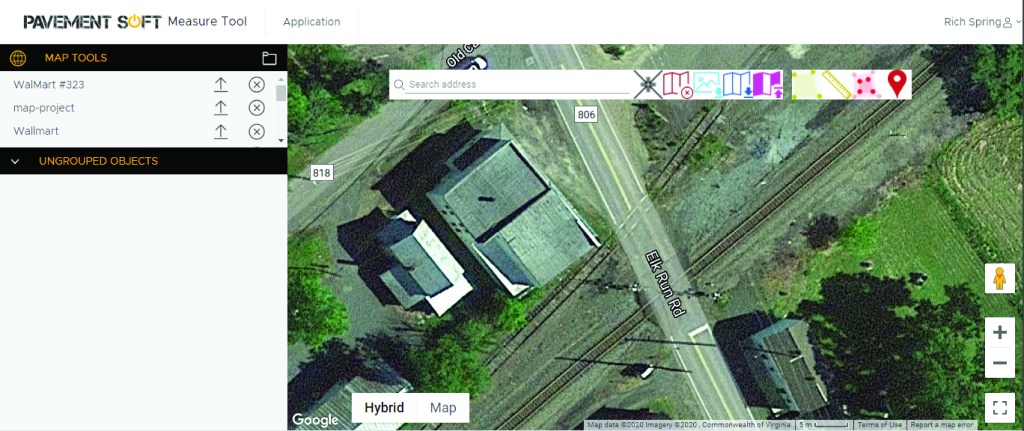
I Started by first creating new Icons that are easier to read and more consistent with the brand.









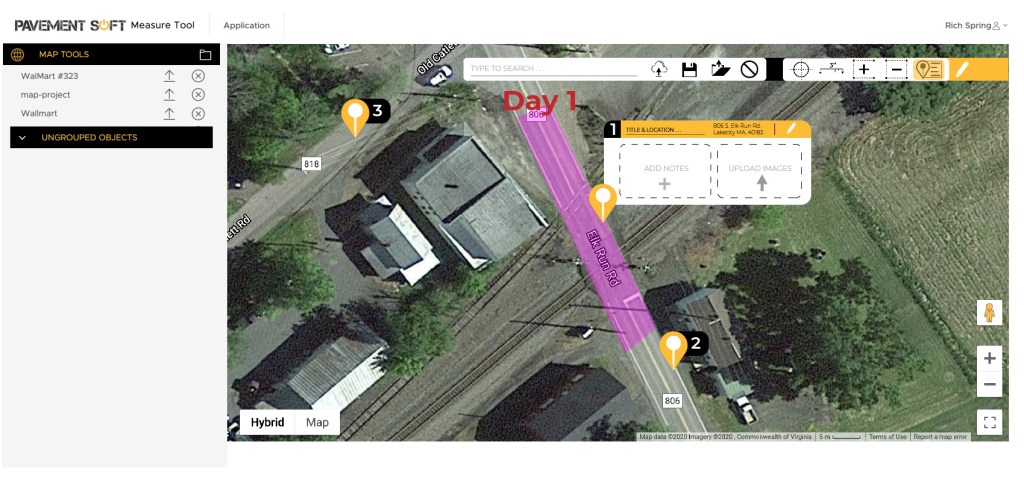
This was the first pass I brought to Pavement Soft. We wanted to introduce a pin dropping tool, this would allow foreman to drop a pin, add pictures and notes to a specific location for their crew workers. There were some issues, and I was told that we wanted to completely re-vamp the entire map tool. The entire layout needed to be re-worked, not just the toolbar as I had done.
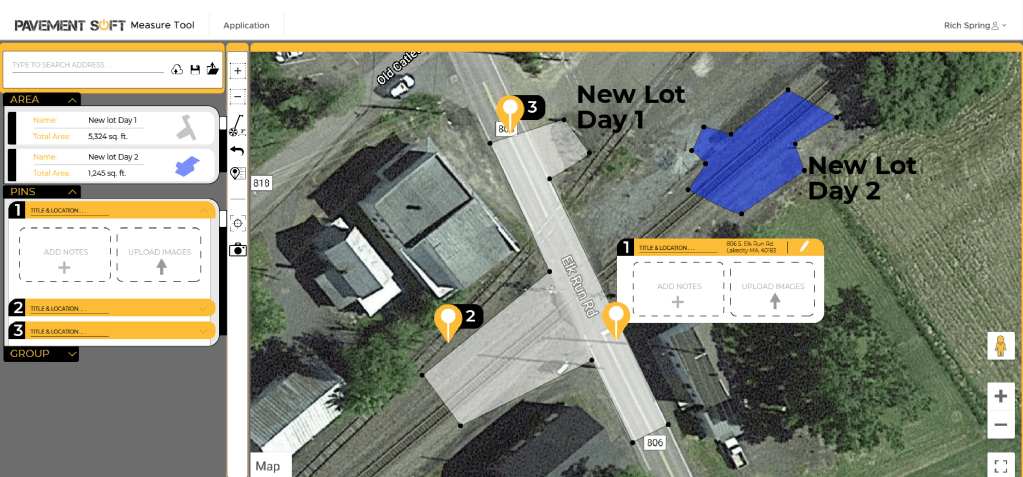
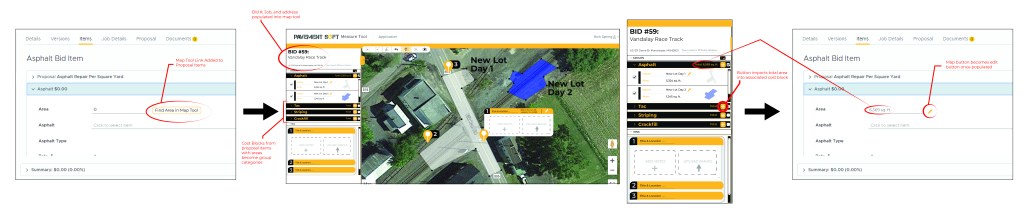
This was the next layout I presented. There were still things that needed to be changed. The biggest thing was that we wanted to re-work the map tool so that it could be accessed from a proposal. This meant that the groups needed to be specific to a certain bid, and that the address should be pre-populated once opened.
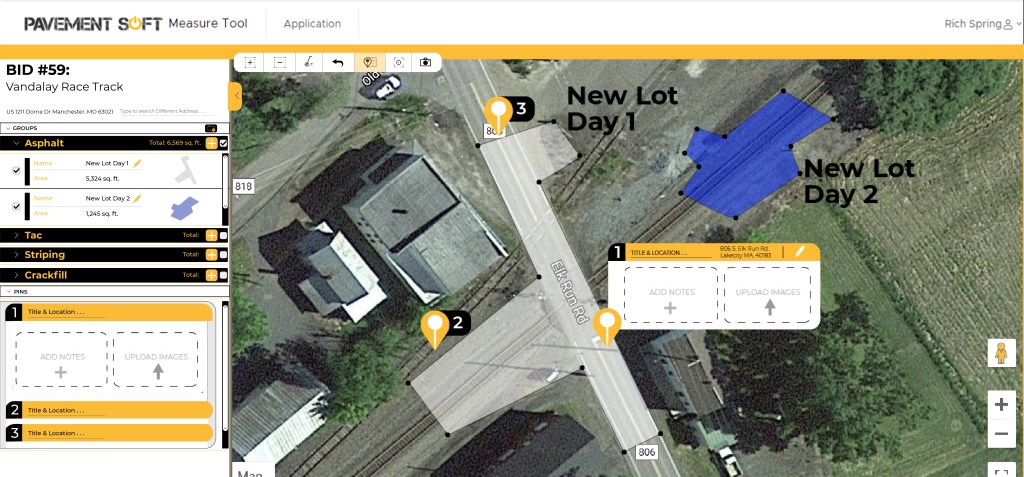
Here is the current map tool UI that I have done. They liked the work flow, and hopefully we will be able to work with the developers to put something similar to this concept into the software. There may need to be some changes to button placement, colors etc, depending on what will be the easiest and most simple for the users. We may want to do some user testing before implementing it. Below the UI layout is the work flow to get to the tool from Pavement Soft and input the data back into the software.
March 3, 2020: Workday
Weekly News Letter
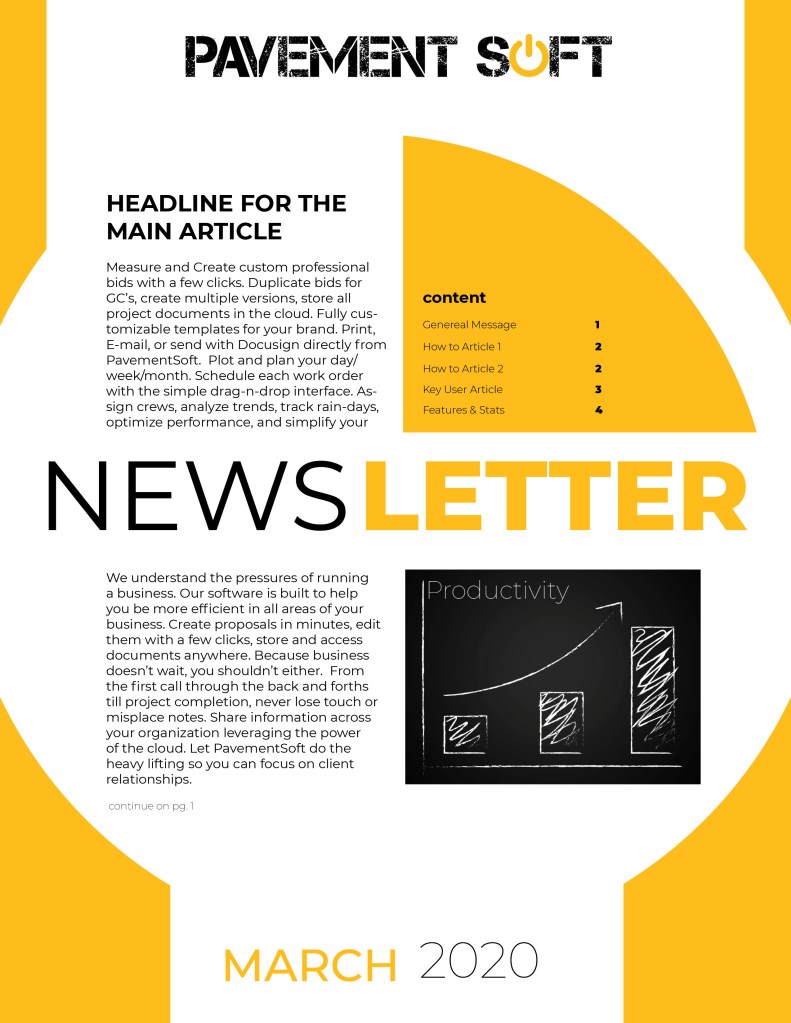
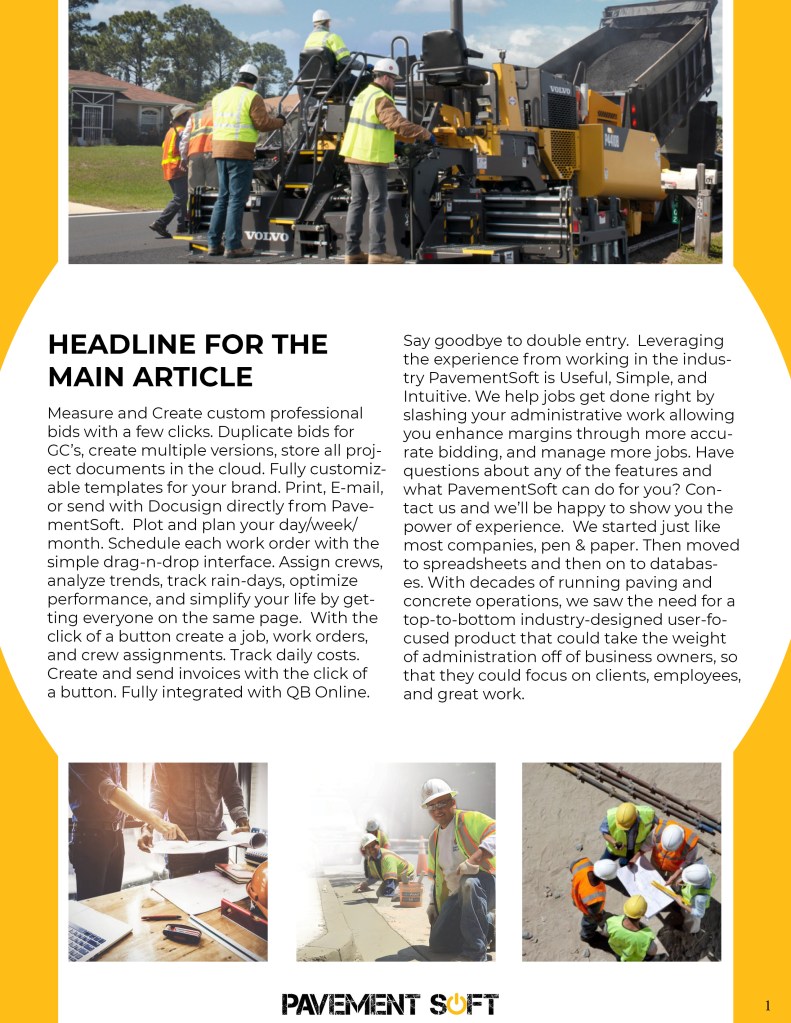
Today I was asked to start a layout for a weekly news letter. The goal is to be able to 1) reach out to our clients about the new updates in the software 2) highlight success stories and companies that are doing well 3) brief how to tutorials to help clients learn how to use the software better.
So far I have only made the layout for the cover page and the main article page. I am still waiting for approval on the layout before I go any further.
Website Screen Shots
I also started working on the website and have the landing page to a point that we are going to make it live by the end of this week. So far all of the blocks are in place, the buttons all work and take the visitor to the proper link, and all social media icons are up to date.
Here are some screenshots of the current website landing page.
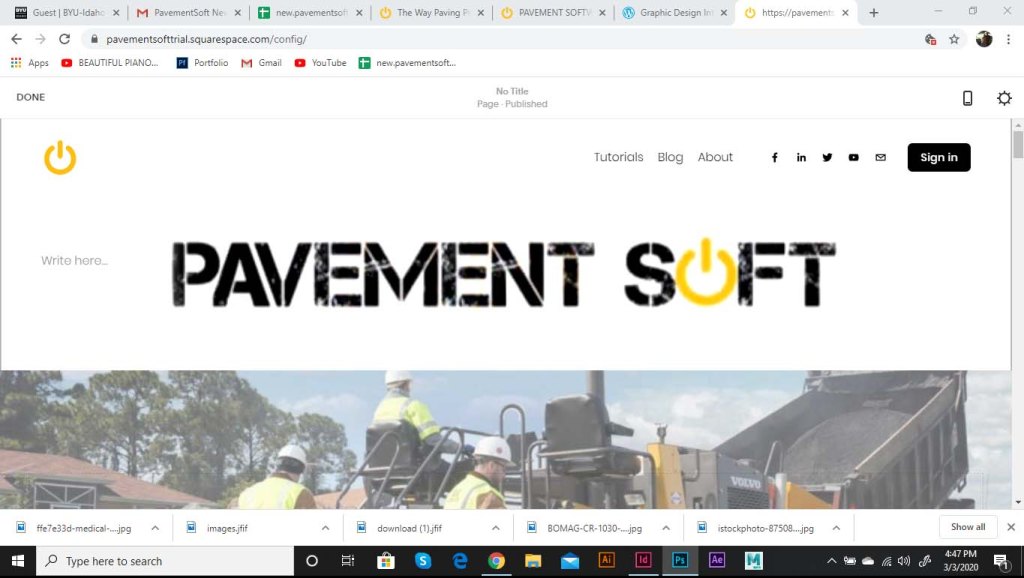
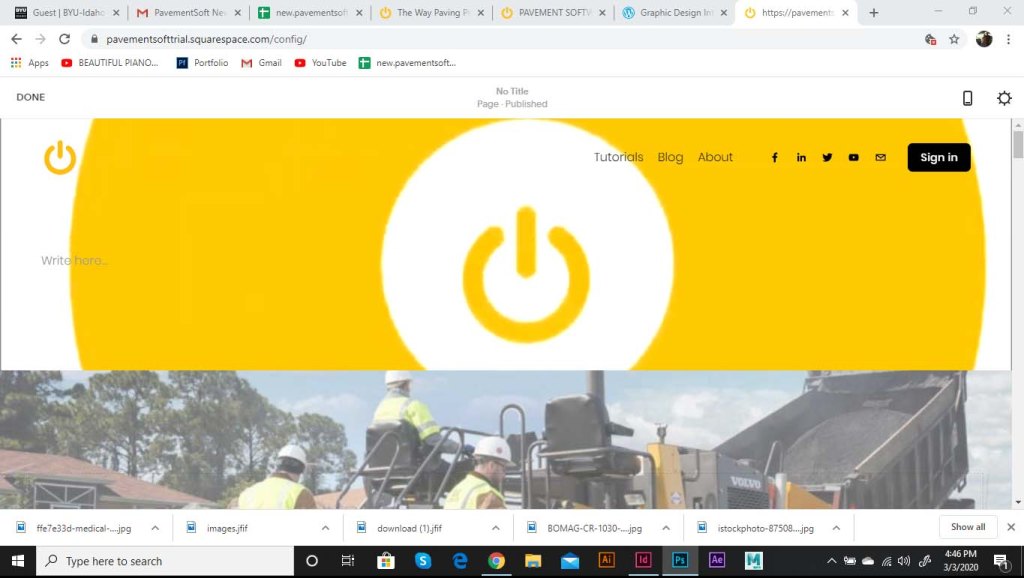
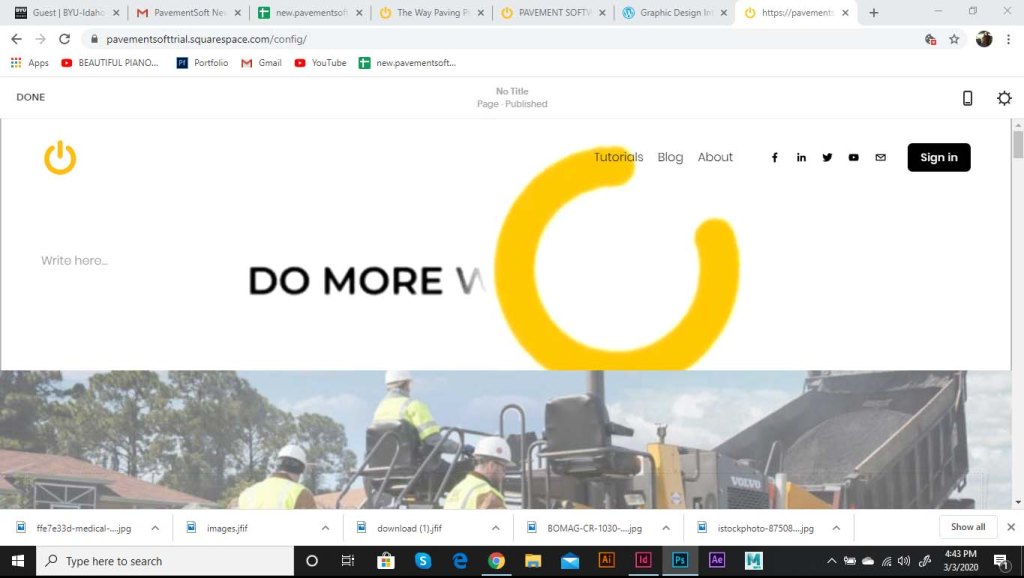
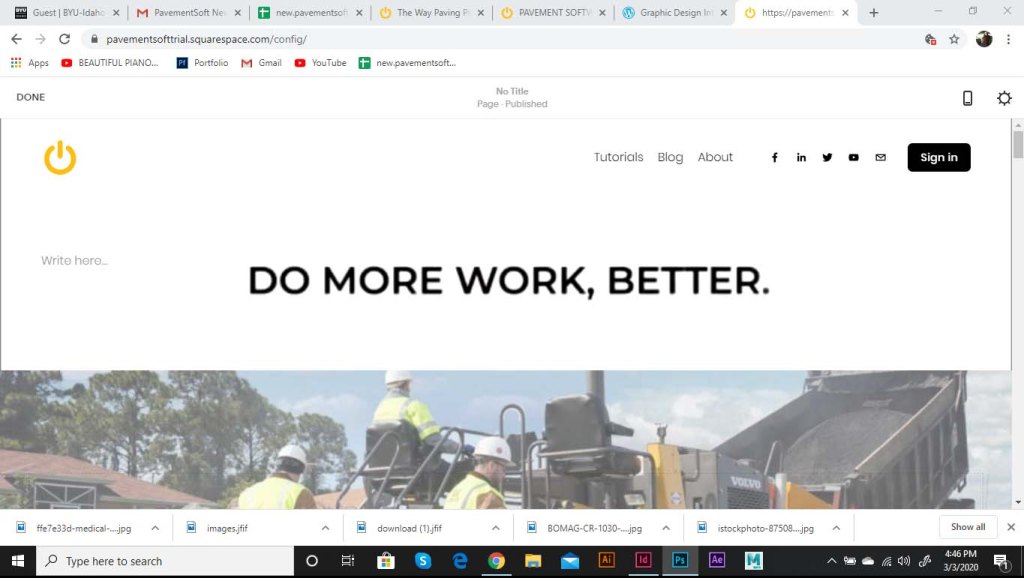
This is how the animated logo fit into the header of the website. It runs on a continuous loop and fits well onto phone and tablet screens.
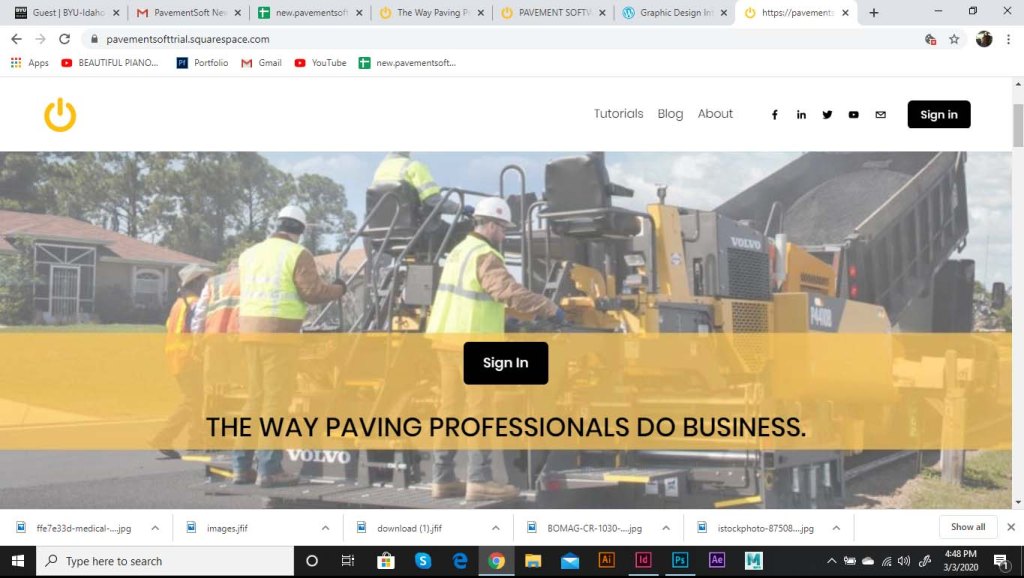
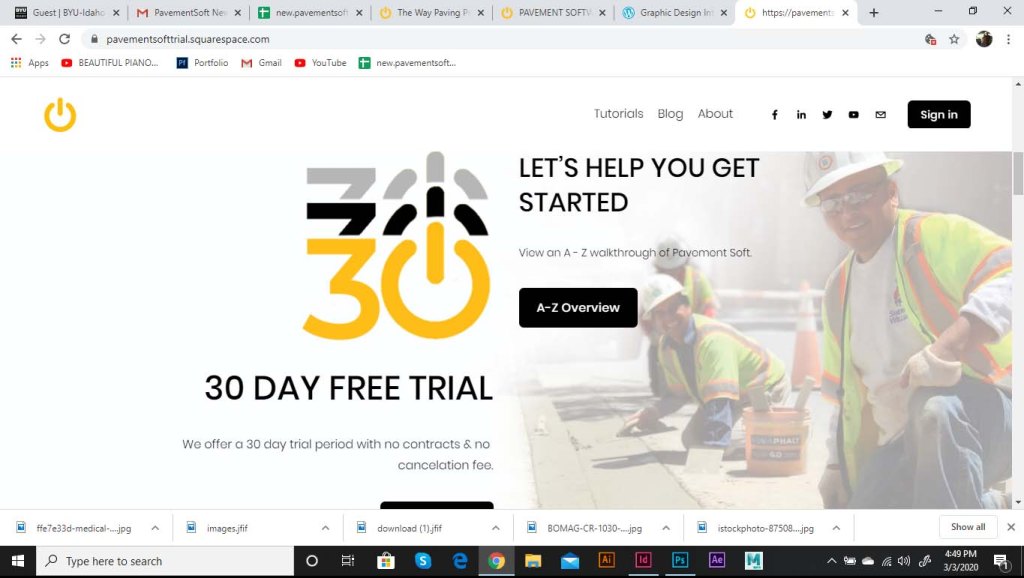
These are the log in and sign up blocks. The requirement was that I needed to show the workers in the industry to make it relate-able to the potential client.
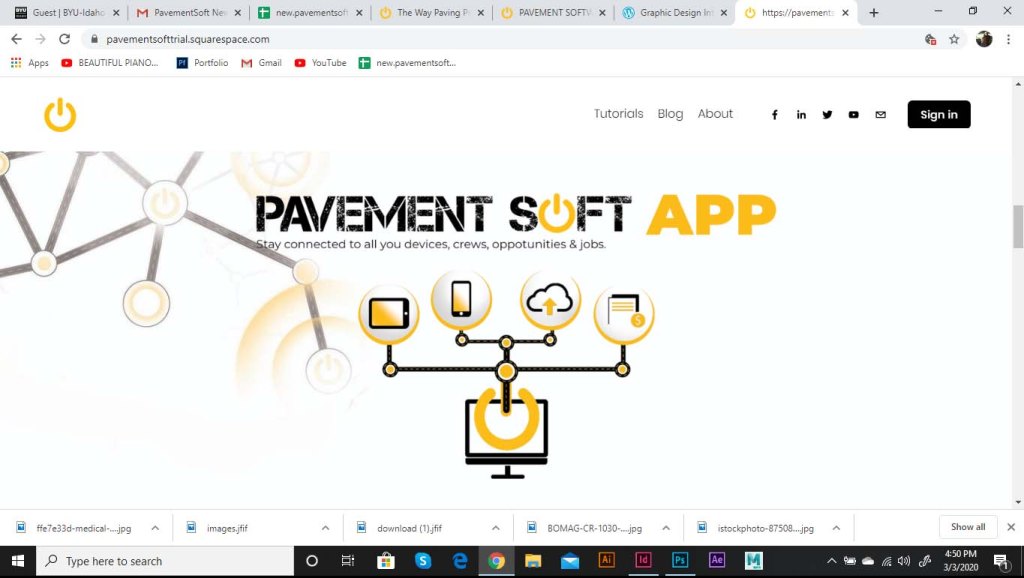
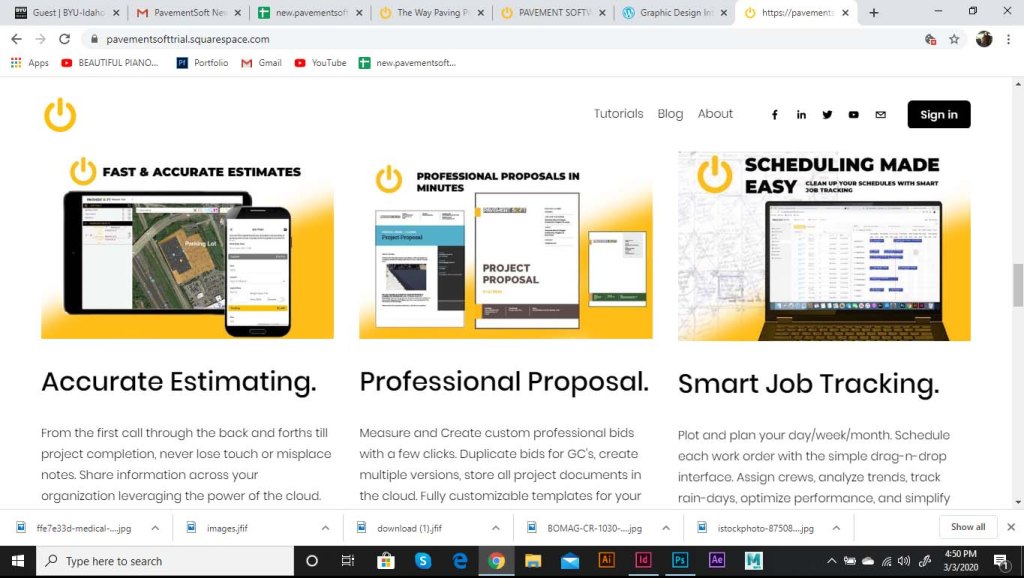
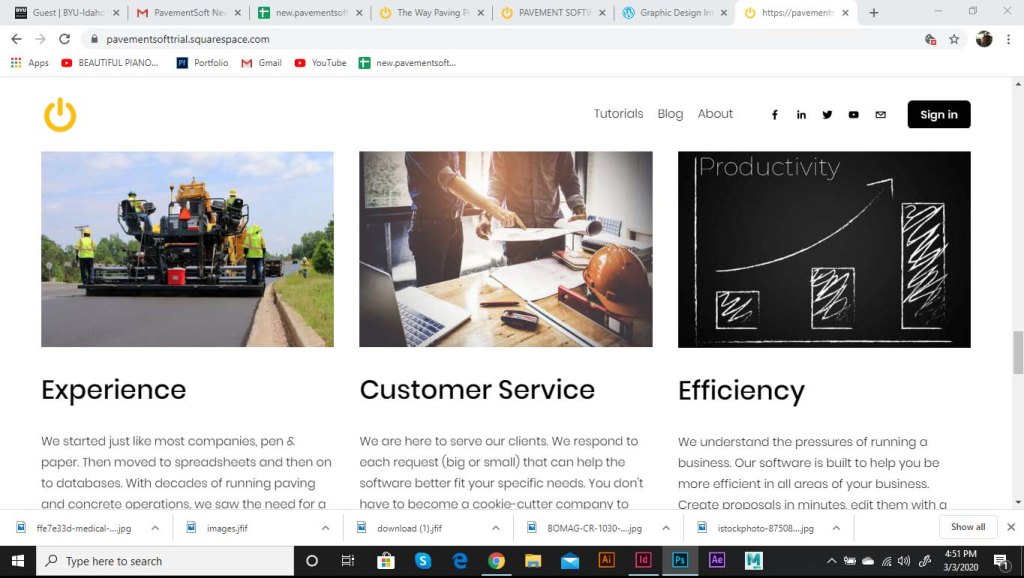
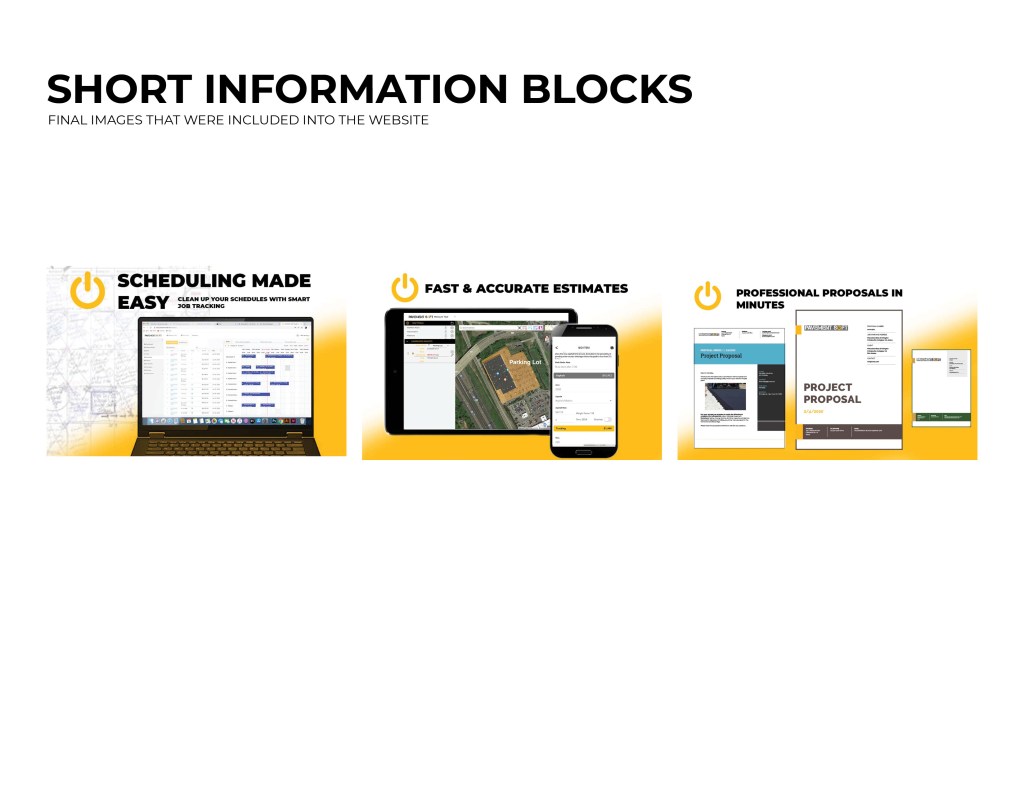
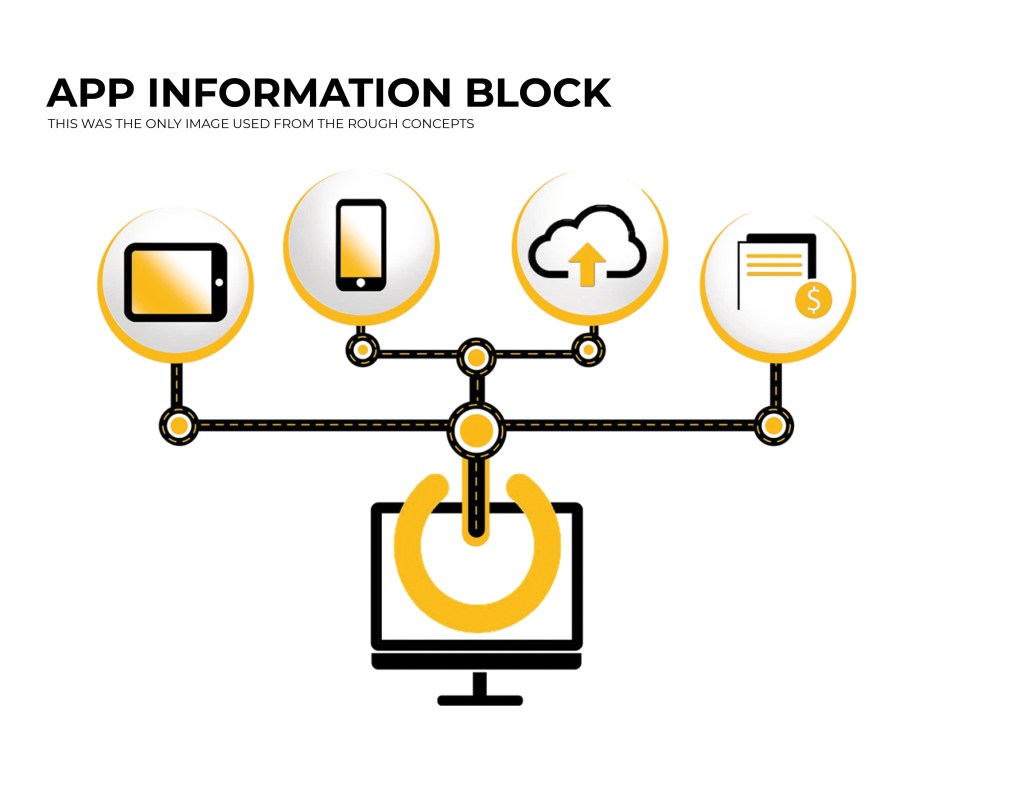
These were information blocks, they put together the main body of the website and contained the majority of the information regarding the software functions and capabilities.
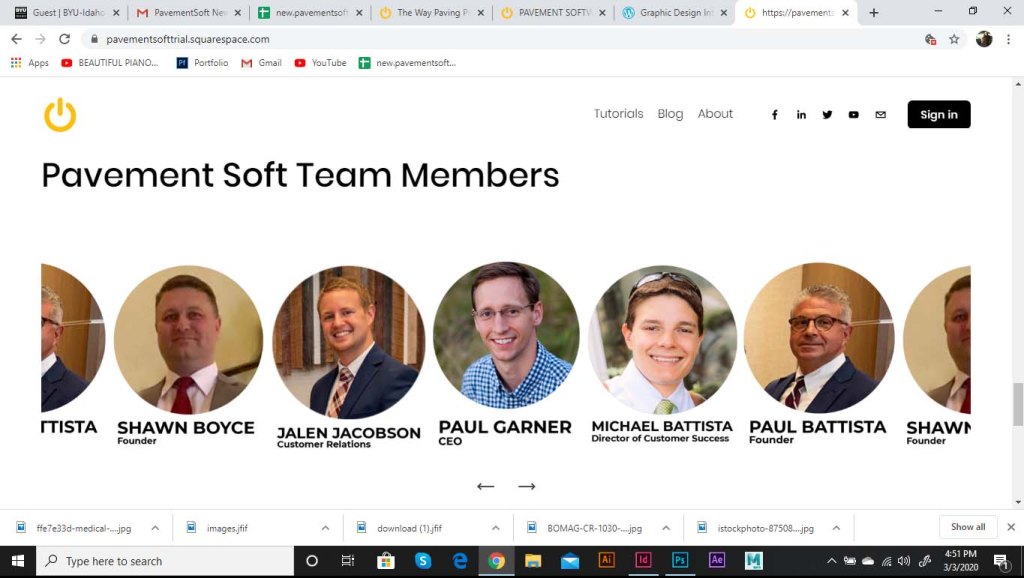
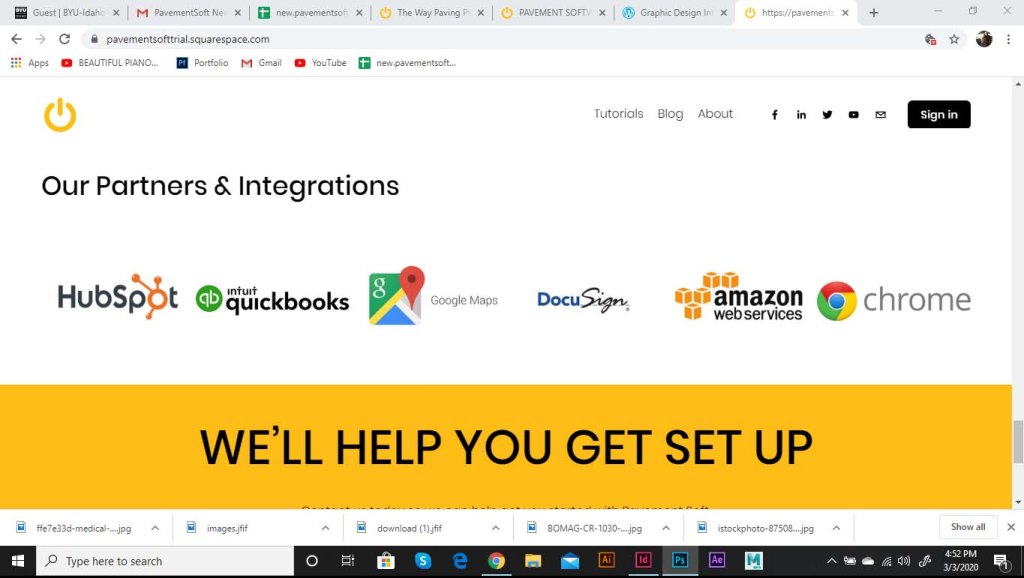
These blocks were about us, the pavement soft team members, and our roles. Also the companies that we have teamed up with and the integrations that work with our software.
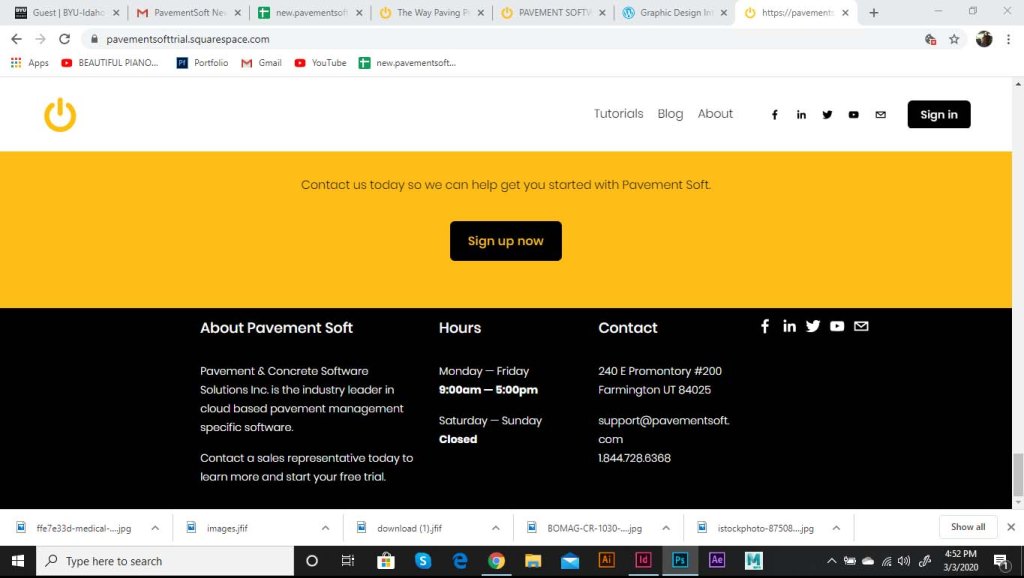
This was the footer of the website. Contained contact info, social media links, and a short bio.
There are still a couple of pages I will need to work on, such as a tutorial page, blog posts, a support page, and about page. These will also hopefully all be done by the end of the week.
 Graphic Design Internship With Pavement Soft